

Backup first
We save the current state of the site before touching a single file.
Website security
Deleting the infected file is not enough: the code comes back from hidden copies. We check the whole server, close the way in, and leave a firewall and monitoring in place so it does not happen again.

Works with WordPress, WooCommerce and other sites, on our hosting or yours with server access.
We save the current state of the site before touching a single file.
We hunt malicious code across the whole server, not just the visible files: backdoors, copies that reinstall it and scheduled tasks.
We update what is vulnerable, change logins and passwords, and read the logs to learn how they got in.
ModSecurity with OWASP rules and Comodo WAF block attacks before they reach your site, plus brute-force login blocking.
Scans your site files and flags anything malicious. On our hosting it runs ImunifyAV.
SPF, DKIM and DMARC so nobody can send fake email in your name.
We alert you if the site goes down, the SSL certificate is about to expire or the domain is close to lapsing.
What we see in real cases
The same tricks show up incident after incident. That is why we check the whole server, not just the file your antivirus flagged.
Free tools
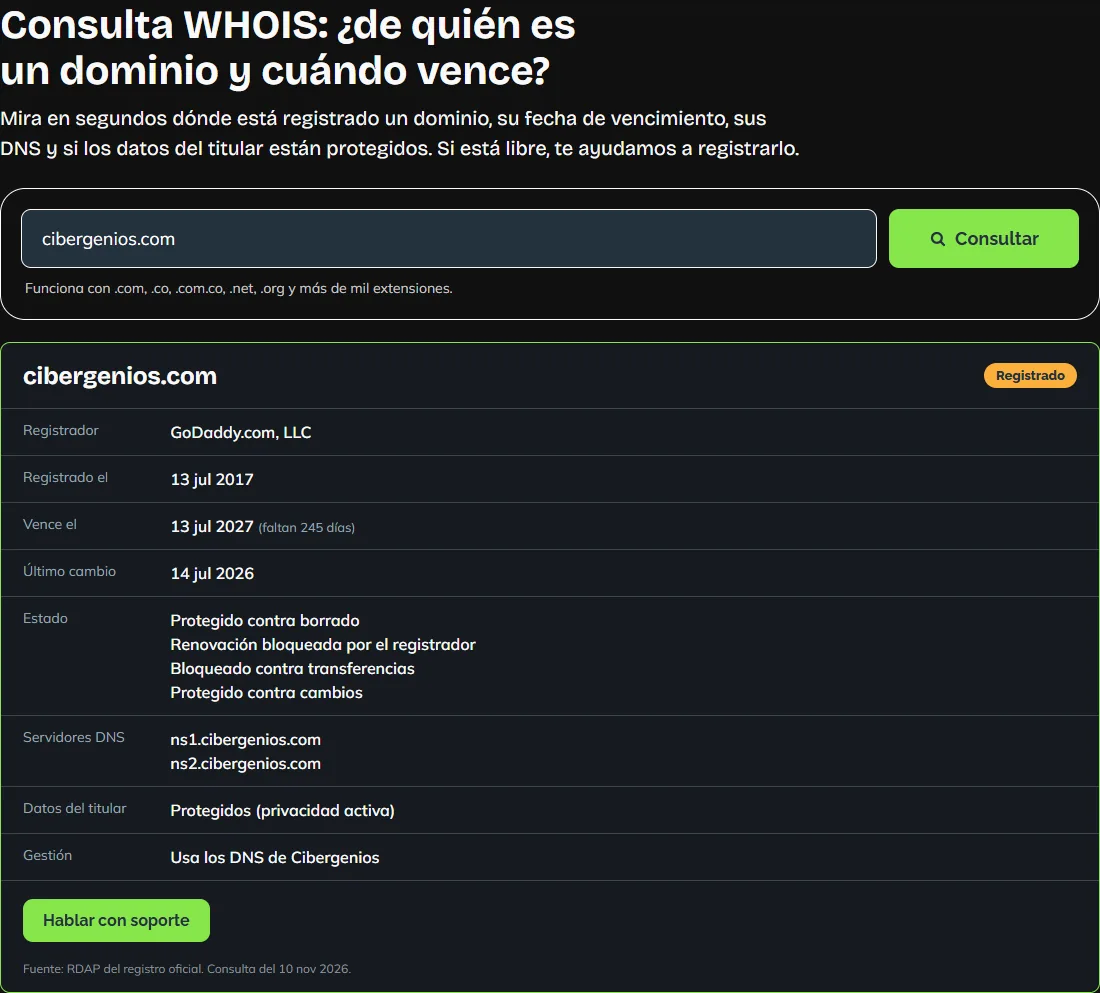
Our free tools show you right now when your domain expires, who manages it, and whether it has SPF and DMARC against spoofed email.
If your site is down, redirects elsewhere or Google flags it as dangerous.
Monthly updates, backups and monitoring so it does not happen again.
cPanel, SSL, ImunifyAV and backups twice a week, with free migration.
Email on your domain with SPF, DKIM and DMARC set up.
We look at your site and tell you what we found and what it costs, before touching anything.
We save the current state and remove the malicious code, including the copies that reinstall it.
We find how they got in, update everything and change the passwords.
We leave a firewall, malware scanning and monitoring in place so it does not happen again.
| Cibergenios | Security plugin | One-off freelancer | |
|---|---|---|---|
| Checks the whole server, not just WordPress | Sí | No | Depends |
| Hunts restorers and hidden copies | Sí | Partly | Depends |
| Closes the way in and changes passwords | Sí | No | Depends |
| Server-level firewall | Sí | Inside WordPress | No |
| Monitoring every 5 minutes | Sí | Depends on the plan | No |
| Support on WhatsApp | Sí | No | Sí |
A good plugin helps, and we keep it if you already have one. What it cannot do is clean the server or close the way in.
650+ cybersecurity projects across 8 countries. Manuel Lozano of Cibergenios gave the closing talk of the Business Security series held by Fenalco and the Colombian police on November 20, 2026.
After finding an attack that got in without a password through a WordPress flaw, we cleaned the affected site and checked all 75 sites on the same environment before calling it closed. None of the others had traces, and the ones running the vulnerable version were updated the same day.
Most sites are clean the same day. Reinfection cases take longer, because every copy of the malicious code has to be found.
Because hidden backdoors or restorers are still there reinstalling the code. That is why we check the whole server, not just the affected site.
No. We back up the current state before touching anything.
Once the site is clean, we request a review in Search Console and ask for the spam pages to be removed from the results.
Yes, with access to your cPanel or server. Passwords are changed when we finish.
The review is free. The cleanup price depends on the size of the site and the damage, and we tell you before we start.
Firewall, updates and monitoring. That is what the monthly website maintenance plan covers.
Tell us what is going on. The review is free and you get the price before we start.